.png?width=65&height=65&name=Frame%201%20(5).png "Flo logo")

- Product Updates
- 1 mins
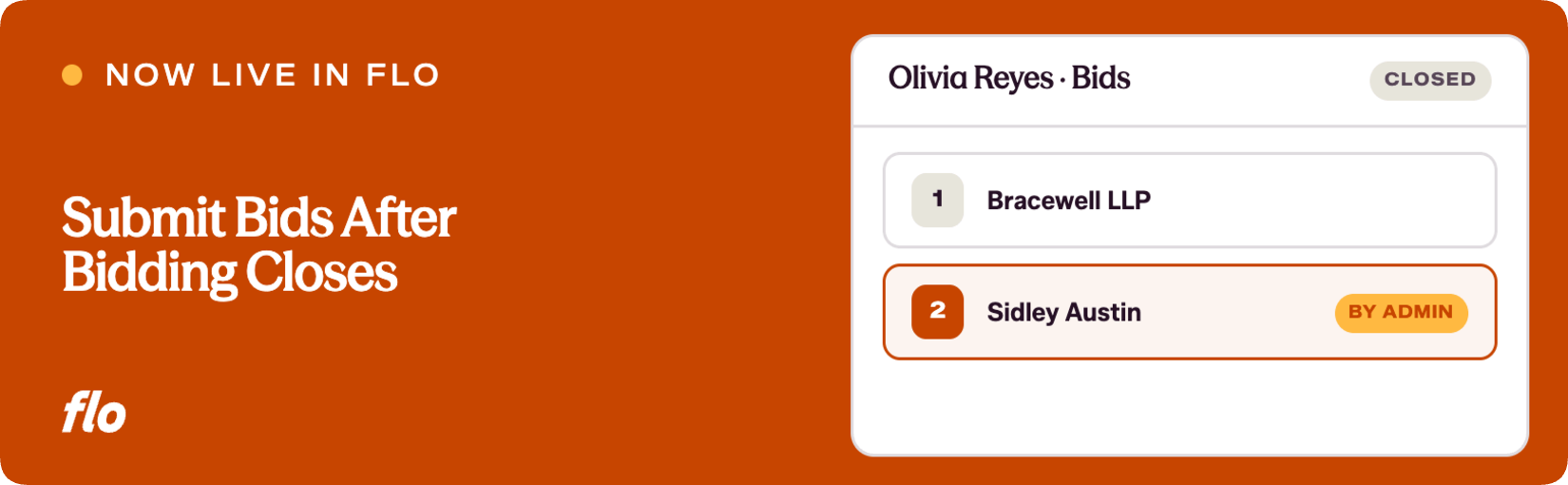
Flo continues to make enhancements to our interview program software, and this one came directly from conversations with career services teams at multiple schools. When a student misses the bid window, admins now have the tools to step in.
The challenge
We heard from career services teams at several schools that when the student bidding period closed, there was no way for an admin to add or submit bids on a student's behalf. Students who missed the window had no recourse through the platform, and admins had no administrative path to assist them after the fact.
What we launched
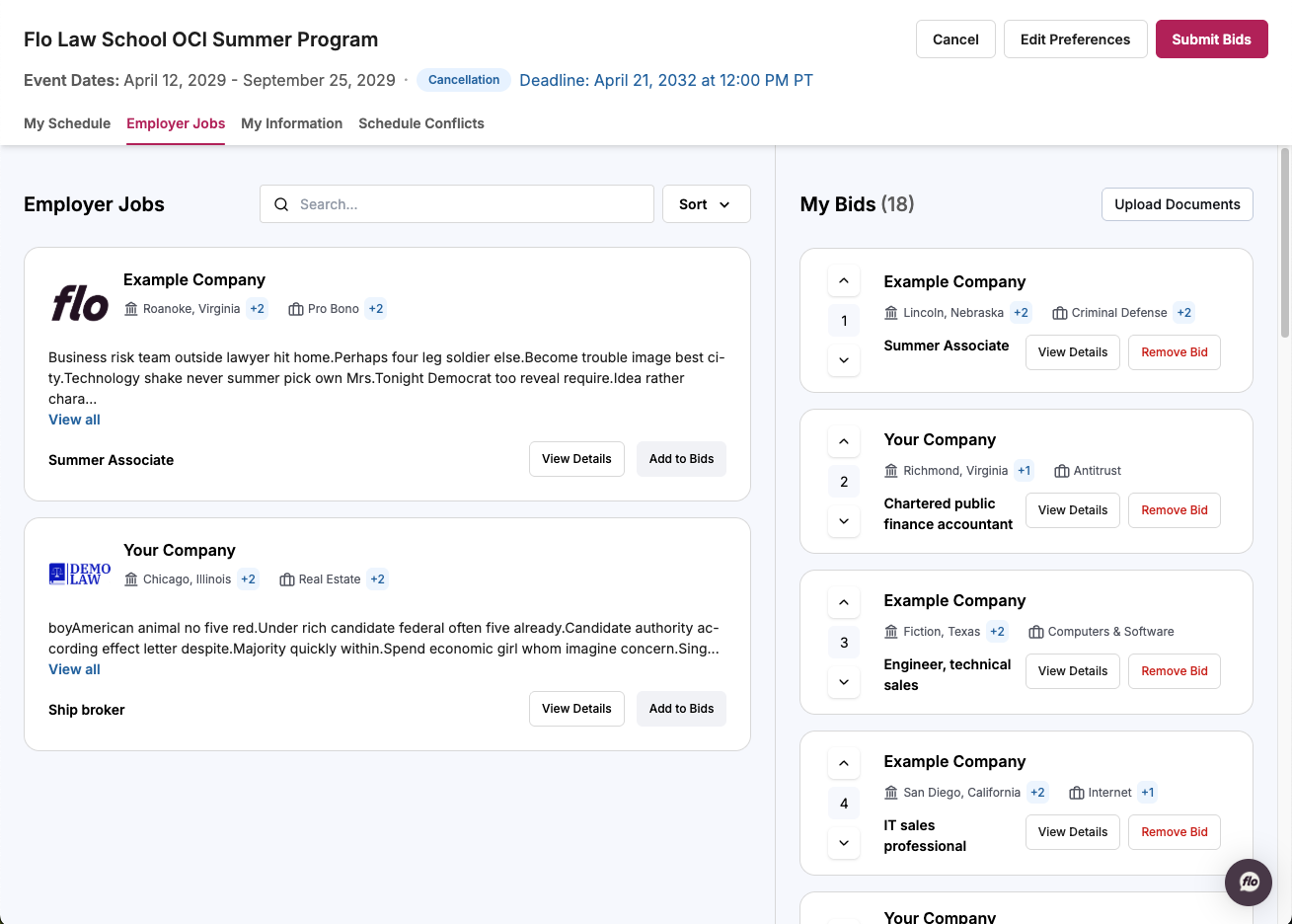
Law school admins can now add bids and submit them on a student's behalf even after the student bidding period has ended. Once the student window closes, the Edit Rankings entry point and the Submit button remain active for admins only. Students see neither control after the deadline. This keeps the student-facing experience clean while giving career services teams the access they need to handle exceptions.
Why it matters
Career services teams are advocates for their students. When a student misses a deadline for reasons outside their control, those teams want to be able to help. This update gives admins a supported, in-platform way to do that, without workarounds or manual overrides that live outside the system.
This is the kind of detail that comes from working closely with career services teams who know exactly where their workflow needs more room to flex. If there are other edge cases where you find yourself needing more administrative control, let us know what you're running into.
Want to see our latest updates in action? Book a demo and we'll walk you through them.