

- 2 mins
Flo moves quickly because we pay close attention to where teams spend time they should not have to. The latest addition to Flo Work Allocation addresses something that comes up often during busy work allocation periods: the need to set up the same project structure more than once.
The challenge
When the same body of work needs to be assigned to more than one attorney, or when a new project closely resembles one that already exists, admins had to recreate all of the project details manually each time. For projects with detailed instructions, multiple practice areas, specific deadlines, and assigning attorney information, that repetition added up.
What we launched
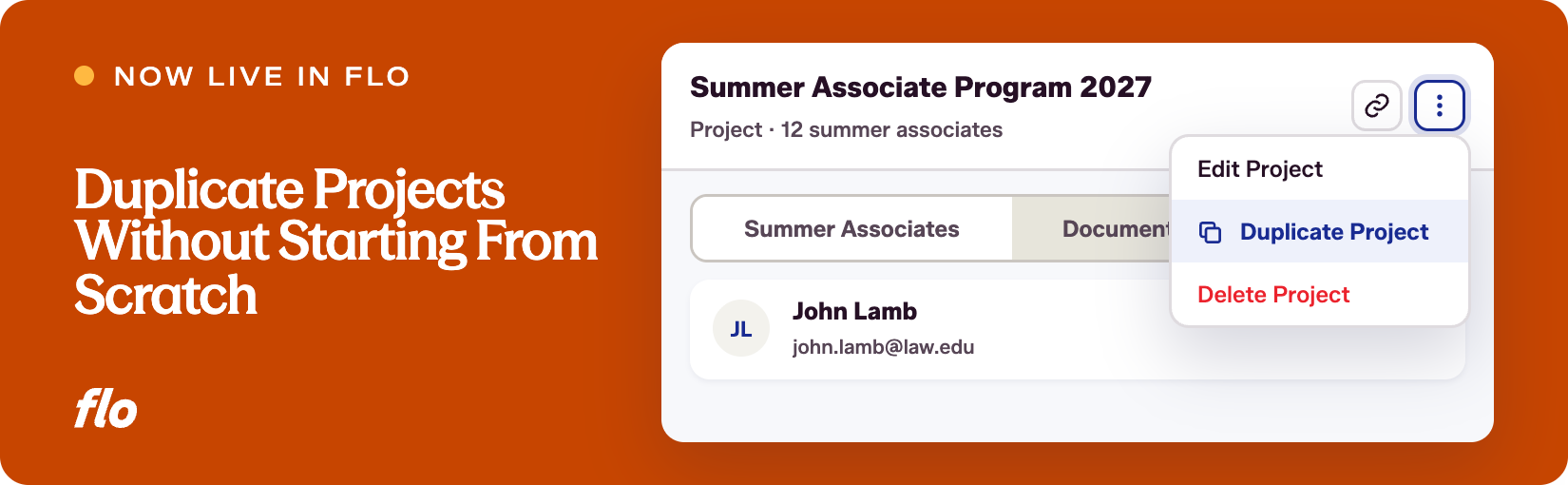
Admins and contributors with Full Access or Limited Access can now duplicate any existing project directly from the Projects tab. The duplicated project opens in create mode with the following fields pre-populated from the original:
- Instructions
- Project number and client matter number
- Client project name (prefixed with "[Copy]" so it is easy to distinguish)
- Project description
- Offices and practice areas
- Assignment type
- Time to complete, deadline, time, and time zone
- Assigning attorneys
- Additional comments
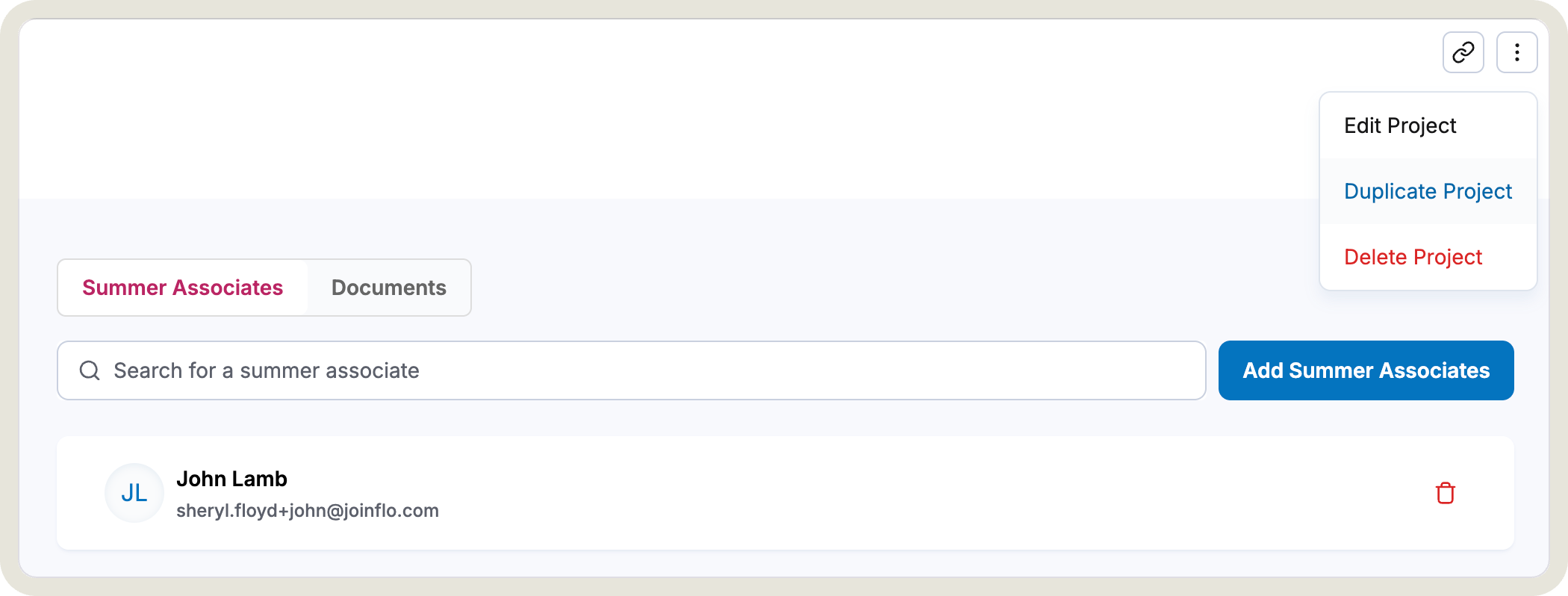 The new project is added to the Projects tab with a status of Not Started. Attorney assignments from the original project are not carried over, so each copy starts unassigned and appears in the Unassigned Projects tab, ready for the admin to assign it to the appropriate attorney.
Why it matters
This update solves two things at once. It saves time when setting up similar projects by removing the need to re-enter every field. And it makes it straightforward to assign the same body of work to multiple attorneys while keeping each person's progress tracked independently on their own project record.
For teams managing high volumes of work allocation across practice groups or office locations, that combination of speed and individual tracking is a meaningful improvement to how projects get created and managed.
We built this because the workflow called for it, and we are glad it is now part of Flo Work Allocation. If you have other places in the project management flow where a similar shortcut would help, keep telling us. That input is exactly how this product keeps getting better.
Want to see our latest updates in action? Book a demo and we'll walk you through them.