.png?width=65&height=65&name=Frame%201%20(5).png "Flo logo")

- Product Updates
- 2 mins
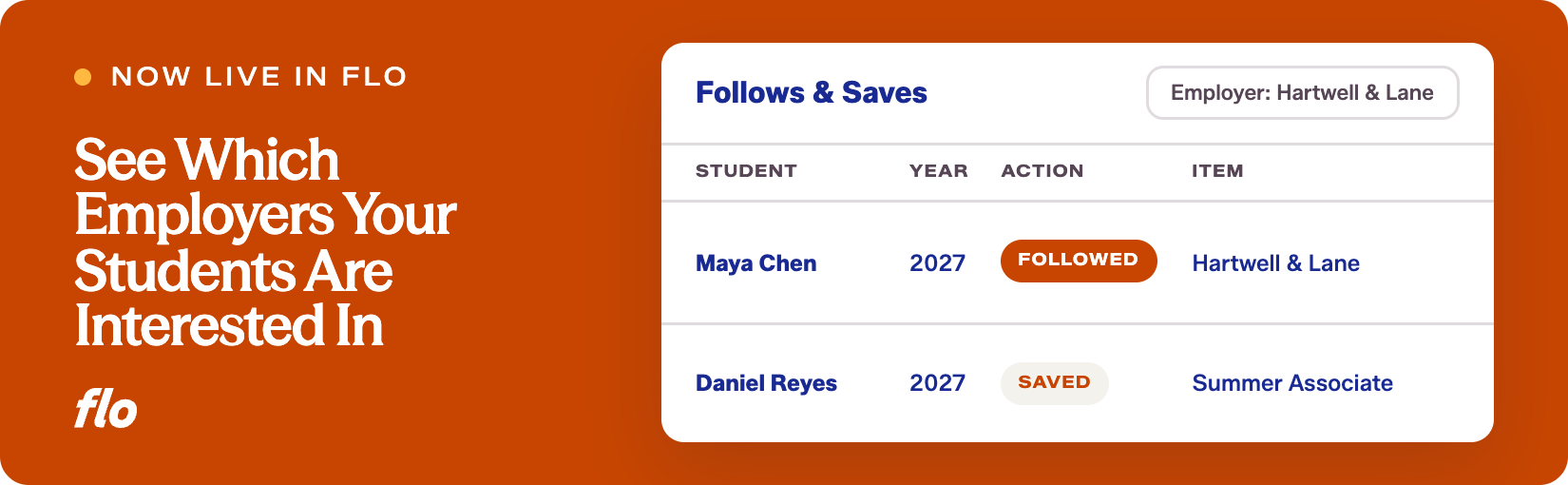
Flo moves fast, and one of the clearest signs of that is how quickly a question raised by career services teams becomes a working feature. The new Follows & Saves tab in University Reporting is a good example: a genuinely useful visibility gap, now closed.
The challenge
Career services teams have always had a strong sense of which employers come to campus and which jobs get posted. What was harder to see was earlier-stage interest: which firms students were quietly following on Flo Forward, and which jobs and events they were saving. That signal existed, but it wasn't surfaced anywhere that career services could act on it.
What we launched
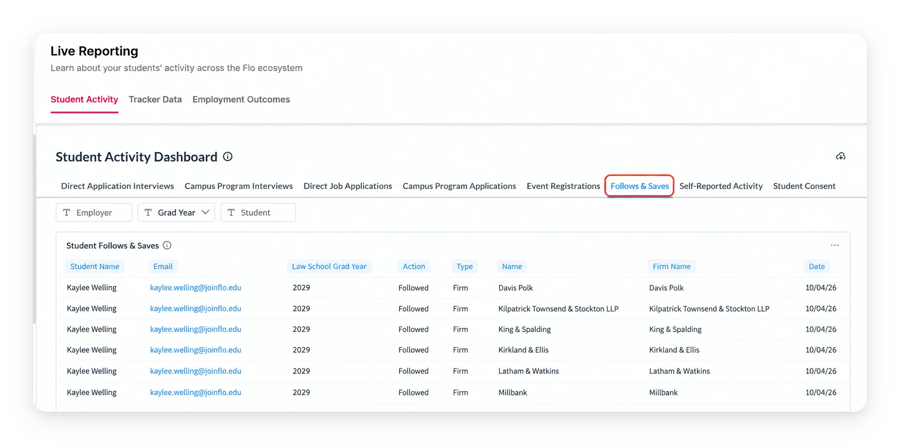
A new Follows & Saves tab in the Student Activity dashboard gives Career Services greater visibility into student interest on Flo Forward. See the firms students follow and the jobs and events they save, providing valuable insight into employer interest before a student applies.
- See student activity in one place: Each row includes the student, graduation year, action taken (followed or saved), item type (firm, job, or event), item name, associated firm, and date of activity.
- Explore interest by employer: Filter by a specific employer to see related student activity together, including firm follows, saved jobs, and saved events. You can also filter by action, type, graduation year, or individual student.
- Flexible employer search: Employer is searchable rather than a fixed dropdown, accounting for variations in how employer names may appear across school-posted jobs and events.
- Current student interest: The dashboard reflects students’ current follows and saves. If a student unfollows a firm or removes a saved job or event, that activity is removed from the report.
- Student consent: Only activity from students who have consented to share their data with your school appears in Follows & Saves.
Why it matters
Follows and saves are interest signals that arrive before a student ever submits an application. Career services teams can use this data to plan programming around the employers drawing the most attention, reach out proactively to students who are watching a firm but haven't applied yet, and get a clearer read on which employers are resonating with which class years.
It's the kind of information that makes advising conversations more specific and outreach more targeted, without requiring students to tell you anything extra.
We're glad to get this visibility into career services teams' hands, and we're curious how you put it to work. If there are other data points you'd want to see alongside follows and saves, let us know. This tab will keep getting more useful with your input.
Want to see our latest updates in action? Book a demo and we'll walk you through them.