
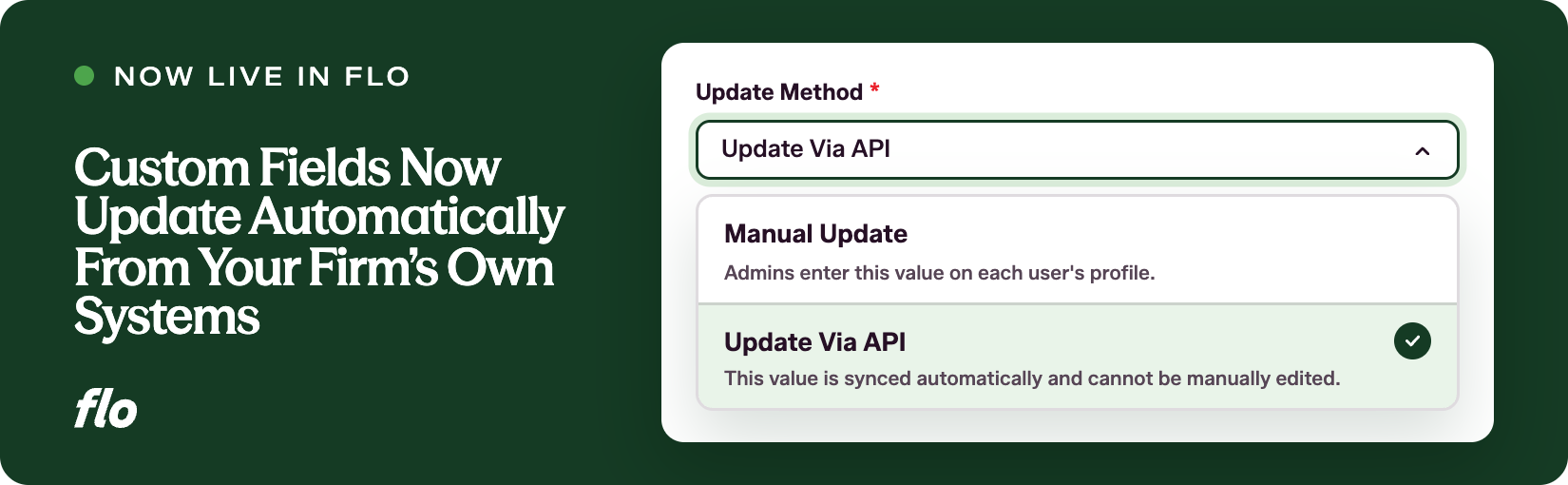

Flo moves fast, and that pace shows up most clearly when a capability that was visible but not yet usable becomes fully live within weeks of its first appearance. The Users API add-on now supports automatic updates to custom fields in Flo Performance Management, letting firms connect their own internal systems directly to user profiles.
The challenge
When Flo launched the User Profile in September, admins could see the option to set a custom field's update method manually. But updating billable hours once that never refreshed, or adding fields one profile by one was time consuming. At a firm with hundreds or thousands of attorneys, keeping those values current by opening profiles one at a time was not a realistic path.
What we launched
Custom fields in Flo Performance Management can now be set to Update via API. When a field has that update method, a firm's IT team can send values from the firm's own systems on a schedule. Billable hours could come nightly from a time and billing system. The field displays whatever the firm's system last wrote, and it is read-only on the profile.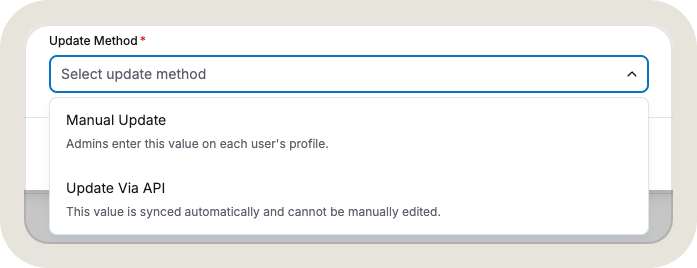
Each custom field has a single update method. A field set to Update via API cannot be edited by hand, and a field set to Manual Update cannot be written to by the API.
For the firm's IT team, Flo issues an API key that allows them to list users, list the firm's API-updatable fields (with types and allowed options), and write values for one field across many users in a single request, up to 25,000 values at a time. There is also an all-or-nothing option: if any row in a batch fails, the entire batch is cancelled and nothing is saved.
This capability is included with the Users API add-on. Any firm with an API key can list users and field definitions to explore before turning on syncing. Writing values requires API early access.
Why it matters
Performance reviews are only as useful as the data behind them. When a reviewer opens an attorney's profile during a review cycle, they should see current numbers, not a snapshot from whenever someone last had time to update a spreadsheet. Connecting Flo directly to the systems that already own that data means the profile reflects what is true today, every time it is opened.
For Professional Development and HR teams, this also removes a category of ongoing maintenance work. Fields that previously required periodic manual reconciliation now stay current on their own, freeing up time for the work that actually requires human judgment.
If your firm is interested in the Users API add-on or has questions about how to structure a sync for fields like billable hours or practice group, reach out and let's work through it together. And if there are other data points you'd like to see flow into attorney profiles automatically, we want to hear about them.
Want to see our latest updates in action? Book a demo and we'll walk you through them.