.png?width=65&height=65&name=Frame%201%20(5).png "Flo logo")

- Performance Management
- 2 mins
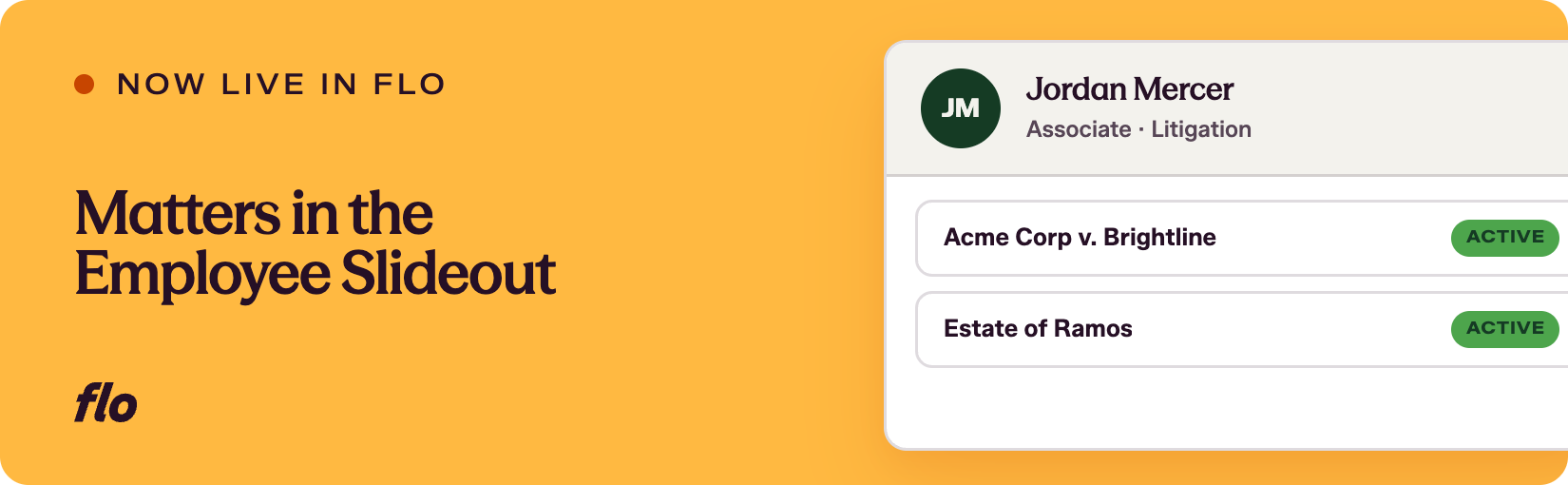
When evaluating an attorney's performance, knowing what matters they've worked on and how they've billed is directly relevant context. Having to look that up separately breaks the flow. Flo is the fastest shipping company in the legal talent industry, and this release starts bringing that context into the review workflow itself. The Employee Slideout now includes a Matters section for attorneys.
The problem
During a review cycle, admins and reviewers often need to understand the scope and nature of an attorney's recent work. That information lived elsewhere, which meant leaving the evaluation workflow to find it, or relying on what reviewers already happened to know. For reviewers evaluating someone they haven't worked with closely, that gap in context could affect the quality of the evaluation. We heard from teams that having billing and matter information alongside the review would make the process more grounded and less reliant on memory or side conversations. Note - not all law firms want to upload matters into their performance management platform. This is an enhancement to an optional feature.
What we shipped
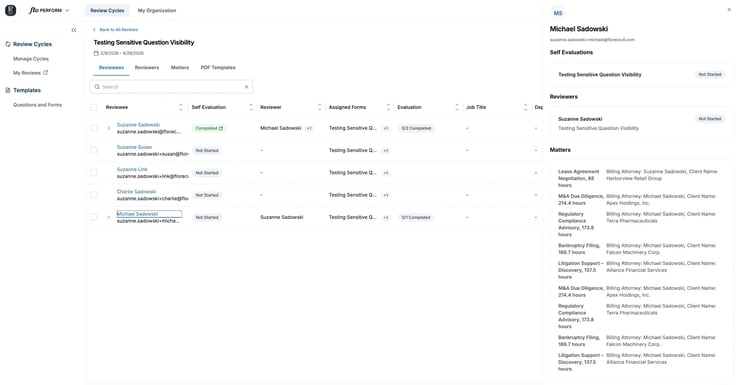
A new Matters section has been added to the Employee Slideout. For each matter listed, you'll see:
- Matter name
- Billable hours
- Billing attorney
- Client name
Admins can see all matters in both the reviewee and reviewer slideouts. Reviewers can currently see a reviewee's matters when viewing the reviewee slideout. Filtering to show only matters where the reviewer and reviewee have worked together is in progress and will ship in a future release.
Why it matters
Evaluations grounded in actual work are more useful than evaluations based on general impressions. With matter and billing data visible directly in the slideout, reviewers have a concrete reference point while they're completing an evaluation form. Admins managing the review cycle can also use this view to verify that reviewers have relevant context before evaluations are submitted.
This is the beginning of bringing richer work context into the review experience. As we build out the filtering and shared-matters view, your feedback on what's most useful to see, and in what order, will shape what comes next. Keep telling us what's slowing you down.
If you're a Flo client and want to dig in, or you're new to Flo and curious how it works, book a demo and we'll walk you through it.